AI Clipping Without a Subscription: Pay Only for Finished Videos
Most AI video tools want a monthly subscription. That works if you produce the same amount every month. For everyone else, unused quota is money wasted. There is another way.
How subscription clipping tools bill
Typical plans give you a monthly credit quota. At OpusClip and Vizard, for example, one credit is one minute of uploaded video; Klap counts generated clips. If you upload less, the rest of the quota is usually gone at the end of the period.
Facts about other tools as of November 2026, taken from their public pricing pages. Plans change, check the provider before you decide.
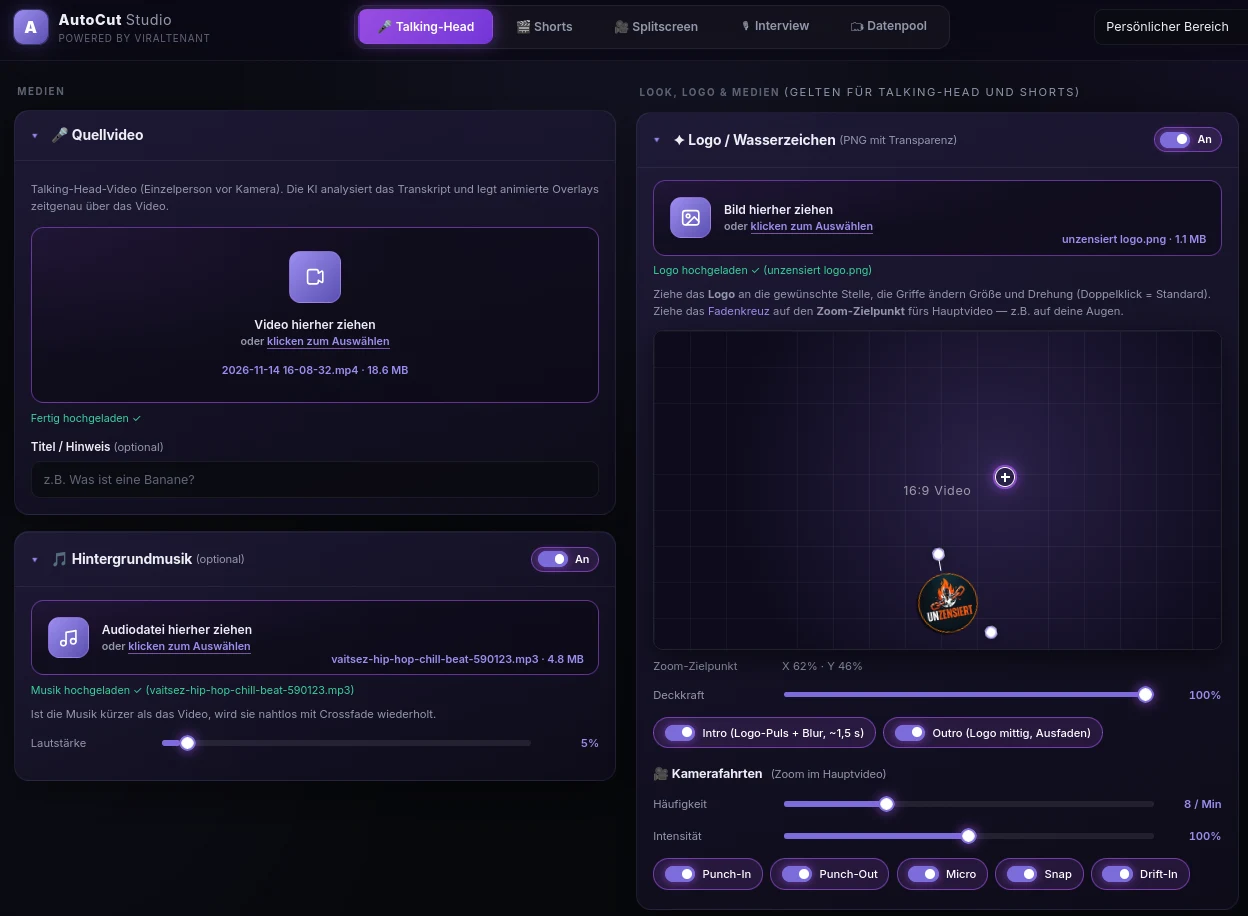
How pay as you go works in AutoCut Studio
- You top up credit when you need it
- Starting a job reserves its price
- When the job is done, the reservation is used
- If the job fails, the credit goes back to you
- Credit never expires, there is no contract and no monthly fee
Who benefits most
- Creators who publish in waves, around launches, seasons or events
- Podcasters with a weekly or bi-weekly rhythm
- Anyone testing short-form before committing
When a subscription can be better
If you clip many hours every single month, a yearly credit plan from a clip-only tool can be cheaper per minute. Compare your real monthly volume before you decide.
Try it without risk
New accounts get free starter credit, no credit card needed. Sign in with Google or email.
Sign in with Google or email. Free starter credit, no credit card needed. Same account as ViralTenant.
Frequently asked questions
Does my AutoCut credit expire?
No. Credit stays on your account until you use it.
Am I charged for failed jobs?
No. The price is reserved at the start and released again if the job fails.