Record once. Get edited videos and shorts.
AutoCut Studio is AI clipping for creators: it edits your talking-head videos, cuts shorts with subtitles, builds splitscreens and cuts multicam interviews by speaker. Pay as you go, no subscription.
Sign in with Google or email. Same account as ViralTenant. Free starter credit to test, no credit card needed.
AI clipping
Drop in a long video, podcast or stream recording. AI finds the moments worth posting and turns them into clips.
- Hook detection and a title for every clip
- Word-by-word captions, punch-in zoom and progress bar
- You pay per finished job, not per minute of footage
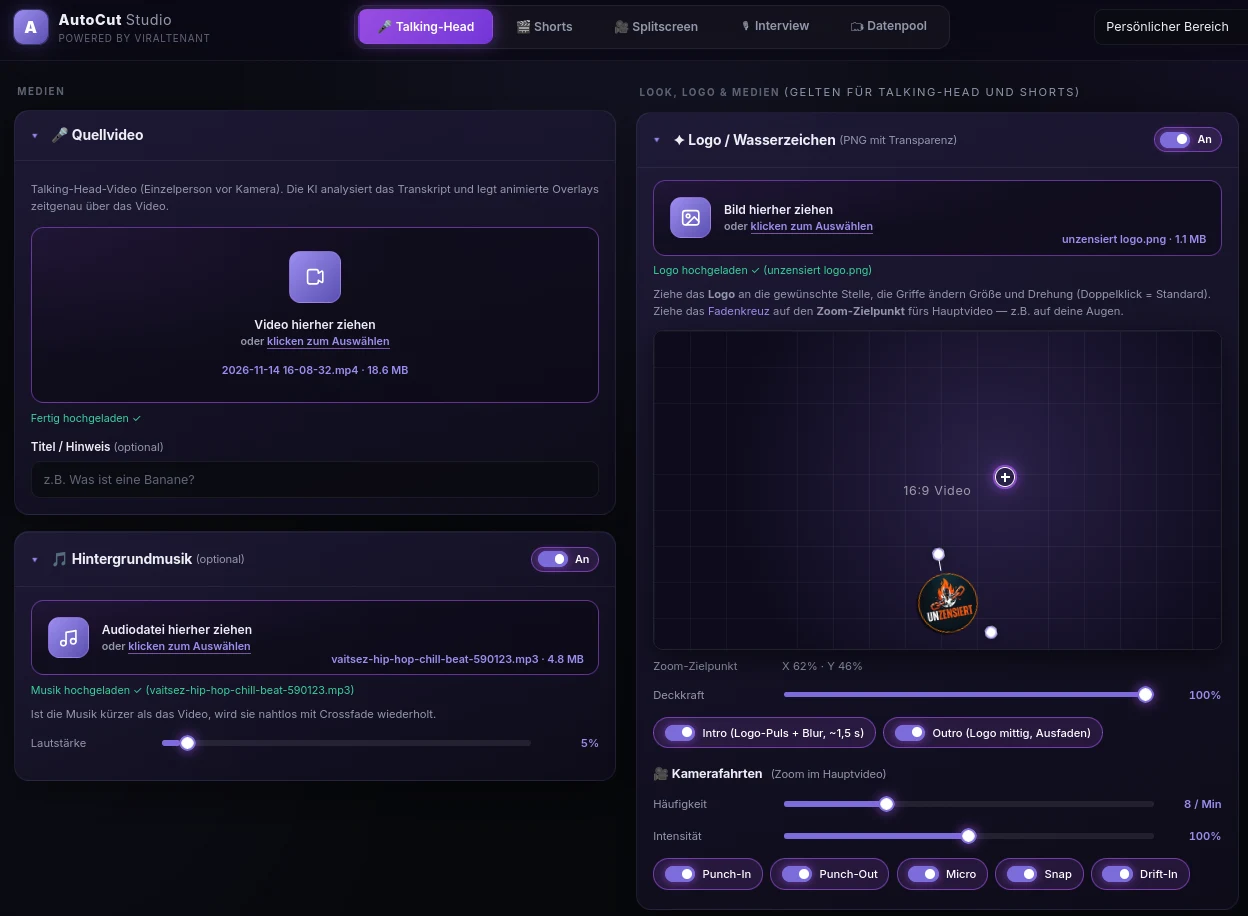
Talking-head edits
Upload a recording and get an edited video with AI overlays, your logo and music.
- Overlay density per minute and element types you choose
- Your own logo, intro, outro and music
- 16:9 render up to 50 fps
Shorts from any video
AI picks the strongest moments and cuts them into vertical shorts.
- Up to 10 shorts per video, 15 to 240 seconds each
- Burned-in subtitles with your style
- Ready for TikTok, Reels and YouTube Shorts
Splitscreen and reactions
Combine two videos side by side or freely arranged, in landscape or portrait.
- 16:9 or 9:16 output
- Sync by audio, trim start and end per clip
- Volume per video and extra audio tracks
Multicam interviews
Two cameras in, one cut out. The camera switches to whoever is speaking.
- Automatic cut by speaker
- Head-centred framing in 9:16
- Logo directly in the camera windows
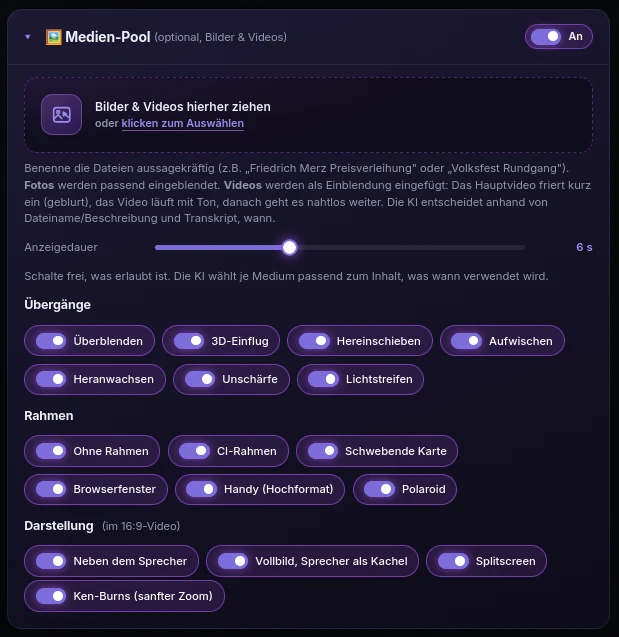
Your own media pool
Upload images and clips once and let AutoCut place them as cutaways or split views.
- 7 transitions, 6 frames and 3 layouts
- AI decides where each asset fits
- Every effect can be switched on or off