What Is AI Clipping? A Simple Explanation for Creators
AI clipping is the fastest way to turn one long recording into many short videos. Here is what happens behind the button, what you can expect and how to get clips you actually want to post.
How AI clipping works
- Transcript: the audio is turned into text with timestamps for every word.
- Moment detection: a language model reads the transcript and picks passages that work on their own: a strong statement, a story, a surprising number.
- Cut and crop: the passage is cut out and cropped to 9:16, ideally centred on the speaker.
- Packaging: captions, a hook title and effects make the clip work without sound and in the first seconds.
What makes a good clip
A short has a few seconds to stop the scroll. Good clips start with the point, not with the build-up, and end when the thought is complete. That is why AutoCut Studio adds a hook title to every short and lets you set the length between 15 and 240 seconds.
Where AI clipping struggles
- Inside jokes and visual gags that are not in the transcript
- Very long answers without a clear statement
- Bad audio, which leads to wrong transcripts and wrong captions
Good audio is the single biggest lever. A clip-on microphone usually beats any software fix.
AI clipping vs. a full AI edit
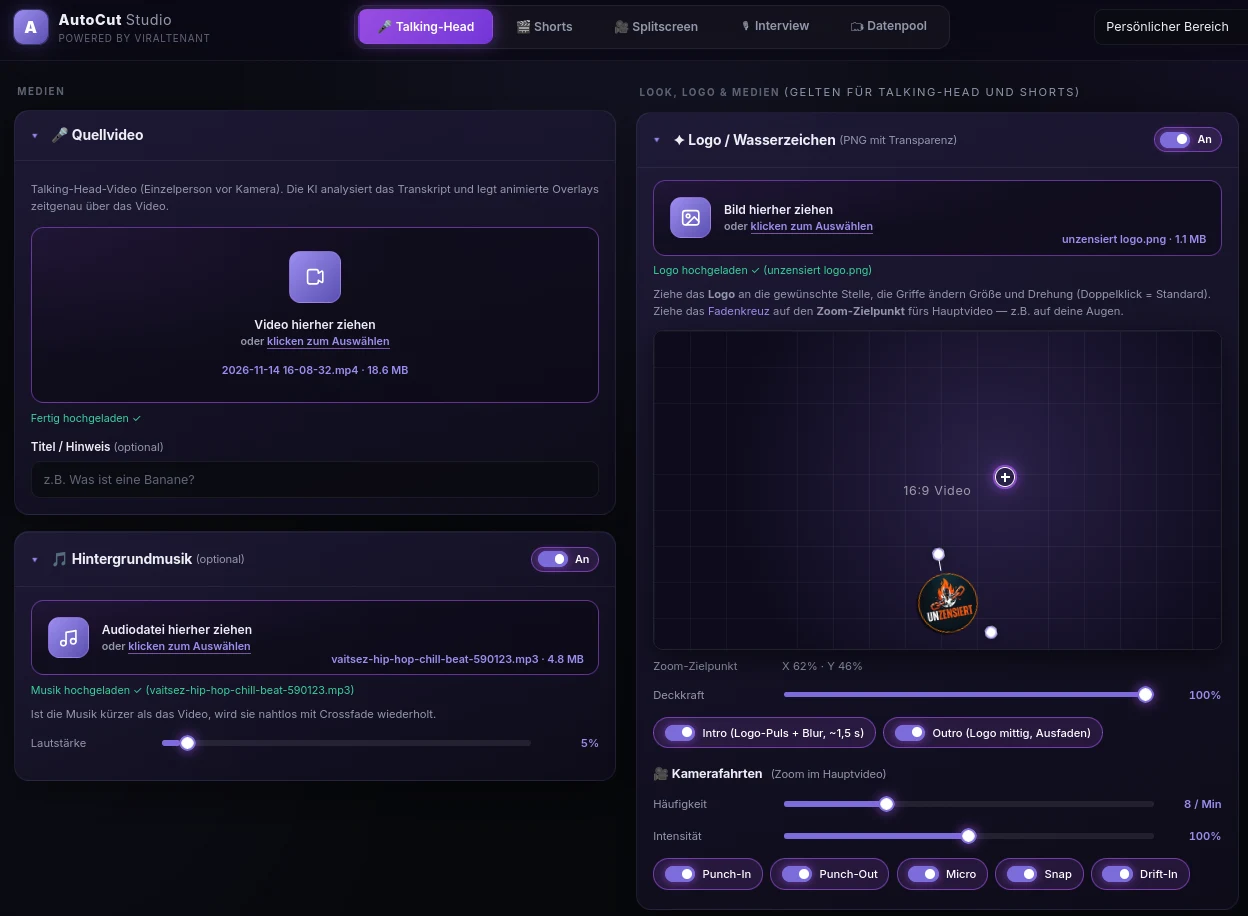
Clipping gives you shorts. Many creators also need the long video edited: logo, intro, outro, music and on-screen overlays. AutoCut Studio does both in one studio, plus multicam interviews and splitscreens.
Try it with your own video
Upload a recording, choose how many shorts you want (up to 10) and how long they should be, and download the results. New accounts get free starter credit.
Sign in with Google or email. Free starter credit, no credit card needed. Same account as ViralTenant.
Frequently asked questions
Is AI clipping the same as auto-editing?
Not quite. AI clipping cuts short clips out of a long video. Auto-editing edits the long video itself. AutoCut Studio does both.
How long should an AI clip be?
Most platforms favour 15 to 60 seconds, but stories can run longer. In AutoCut Studio you choose between 15 and 240 seconds.