How to Make YouTube Shorts From Long Videos Automatically
Shorts bring new viewers to your channel, but cutting them by hand from every long video takes hours. An AI workflow does the search and the cut, so you only decide what goes live.
Why Shorts from your long videos work
Your long video already contains your best arguments and stories. A short that delivers one of them in under a minute is a trailer for the full video. Viewers who like it find the long version on your channel.
The automatic workflow
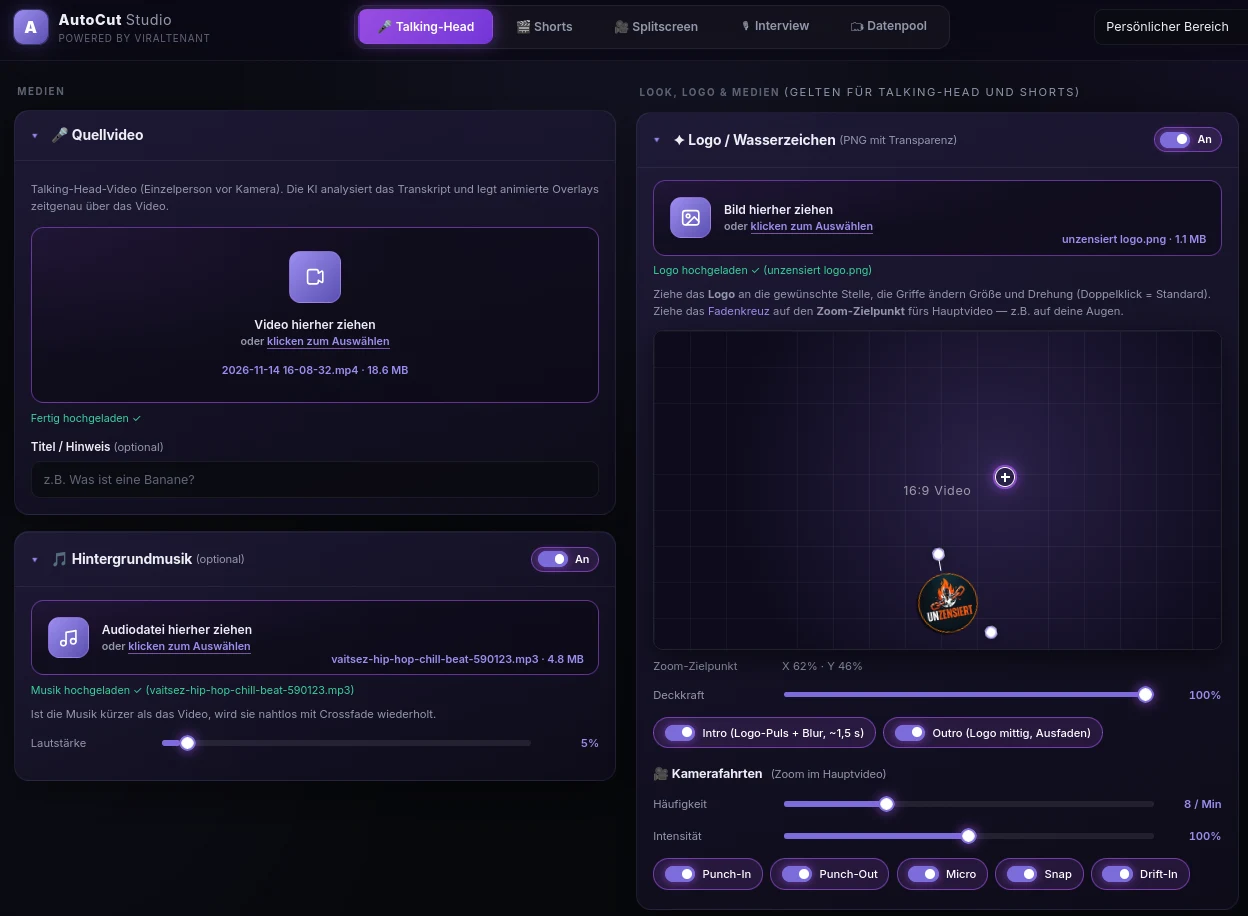
- Upload the long video to AutoCut Studio in the browser.
- Choose how many shorts (up to 10) and the length (15 to 240 seconds).
- Adjust captions, hook title and effects in the 9:16 live preview.
- Download the finished shorts.
Make the first second count
Every short starts with a hook title that names the point of the clip. Word-by-word captions keep viewers who watch without sound. A progress bar shows how long the clip runs, and a subtle punch-in zoom adds movement to static talking-head shots.
Keep your branding consistent
Upload your logo once and place it in the preview. It is used for the shorts and, if you also order the long edit, for the 16:9 video.
Do the long edit in the same job
If the long video is not edited yet, AutoCut Studio can do that too: AI overlays, logo, intro, outro and background music, rendered in 16:9 at up to 50 fps.
Sign in with Google or email. Free starter credit, no credit card needed. Same account as ViralTenant.
Frequently asked questions
Do I need editing software for this?
No. AutoCut Studio runs in the browser and renders on our servers.
Can I change where captions appear?
Yes. You drag captions, overlays and logo in the 9:16 live preview.