Word-by-Word Captions for Shorts: Why They Work and How to Add Them
Many viewers scroll through shorts with the sound off. Captions that highlight each word as it is spoken keep them reading, and watching.
Why word-by-word captions
- They work without sound
- The moving highlight pulls the eye through the sentence
- Short chunks are easier to read on a phone than long subtitle lines
Placement rules
- Keep captions away from the face and the bottom UI of the app
- Leave room at the top for the hook title
- Use a consistent position across all your shorts
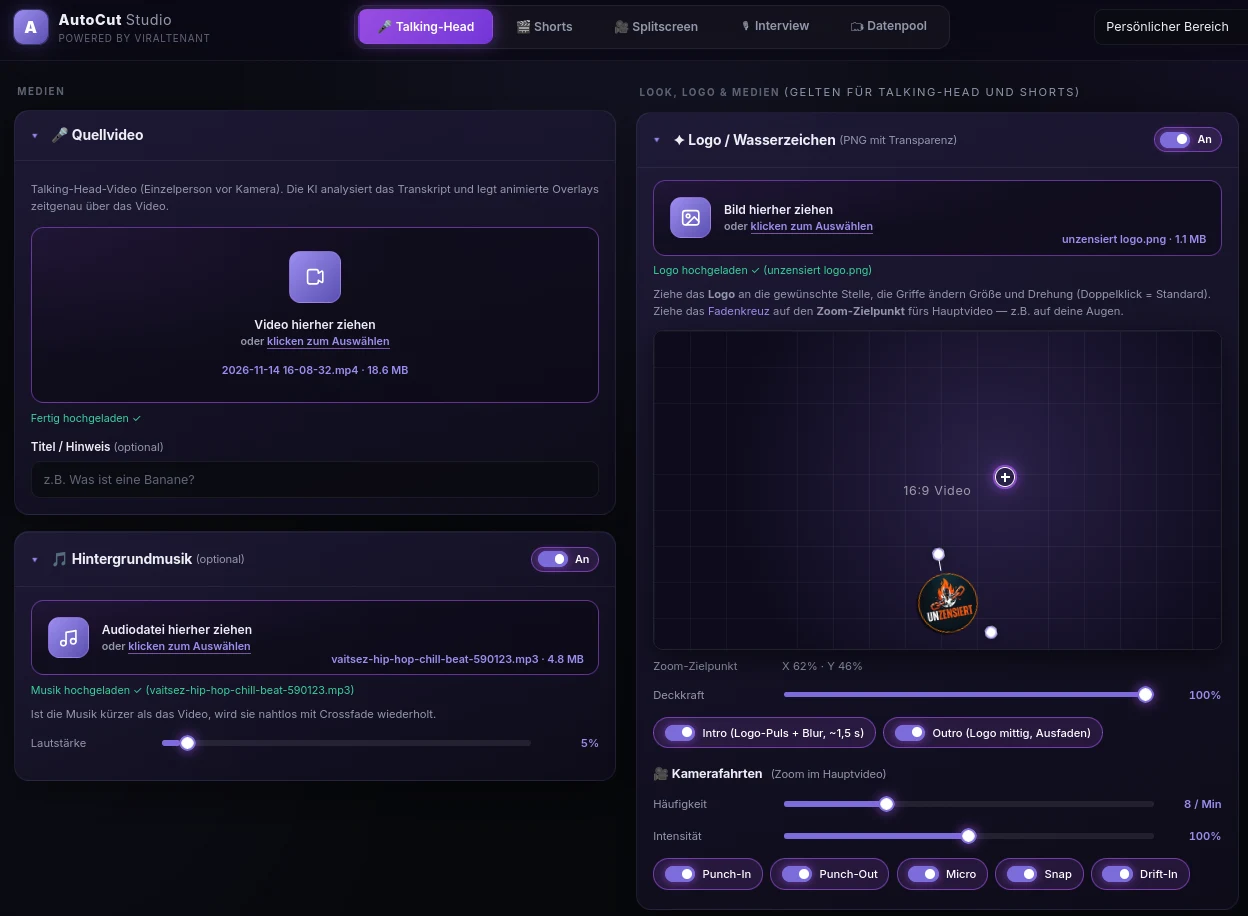
In AutoCut Studio you drag the caption field to its place in the 9:16 live preview, so it fits your framing.
Combine captions with a hook title
The hook title tells viewers in the first second what the clip is about. The captions carry them through it. AutoCut adds both automatically, and you can switch each off per job.
Accuracy starts with audio
Captions come from the transcript. Clear audio with one microphone per speaker gives the best results.
Sign in with Google or email. Free starter credit, no credit card needed. Same account as ViralTenant.
Frequently asked questions
Can I turn captions off?
Yes. Captions, hook title, punch-in zoom, progress bar and sound accents each have their own switch.
Can I move the captions?
Yes, in the 9:16 live preview.