OpusClip vs Vizard vs Klap vs AutoCut Studio (2026)
OpusClip, Vizard and Klap are among the best-known AI clipping tools. AutoCut Studio takes a different approach. Here is a side-by-side look at how they bill and what they are built for.
Billing and free plans
| OpusClip | Vizard | Klap | AutoCut Studio | |
|---|---|---|---|---|
| How you pay | Subscription with credits | Subscription with credits | Subscription with clip quota | Pay as you go |
| Free option | 60 credits per month, watermark, exports deleted after 3 days | 60 credits, 720p with watermark | Trial with 1 video | Free starter credit |
| Entry plan | Starter $15/month for 150 credits | Creator $29/month or $14.50/month yearly for 600 credits | Basic $29/month or $14/month yearly for 100 clips | No monthly fee |
| What is counted | 1 credit = 1 minute of source video | 1 credit = 1 minute of source video | Generated clips | Finished jobs, failed jobs free |
Facts about other tools as of November 2026, taken from their public pricing pages. Plans change, check the provider before you decide.
What each tool is built for
- OpusClip and Vizard: turning large amounts of long footage into clips on a monthly credit budget.
- Klap: vertical clips with a fixed monthly number of clips.
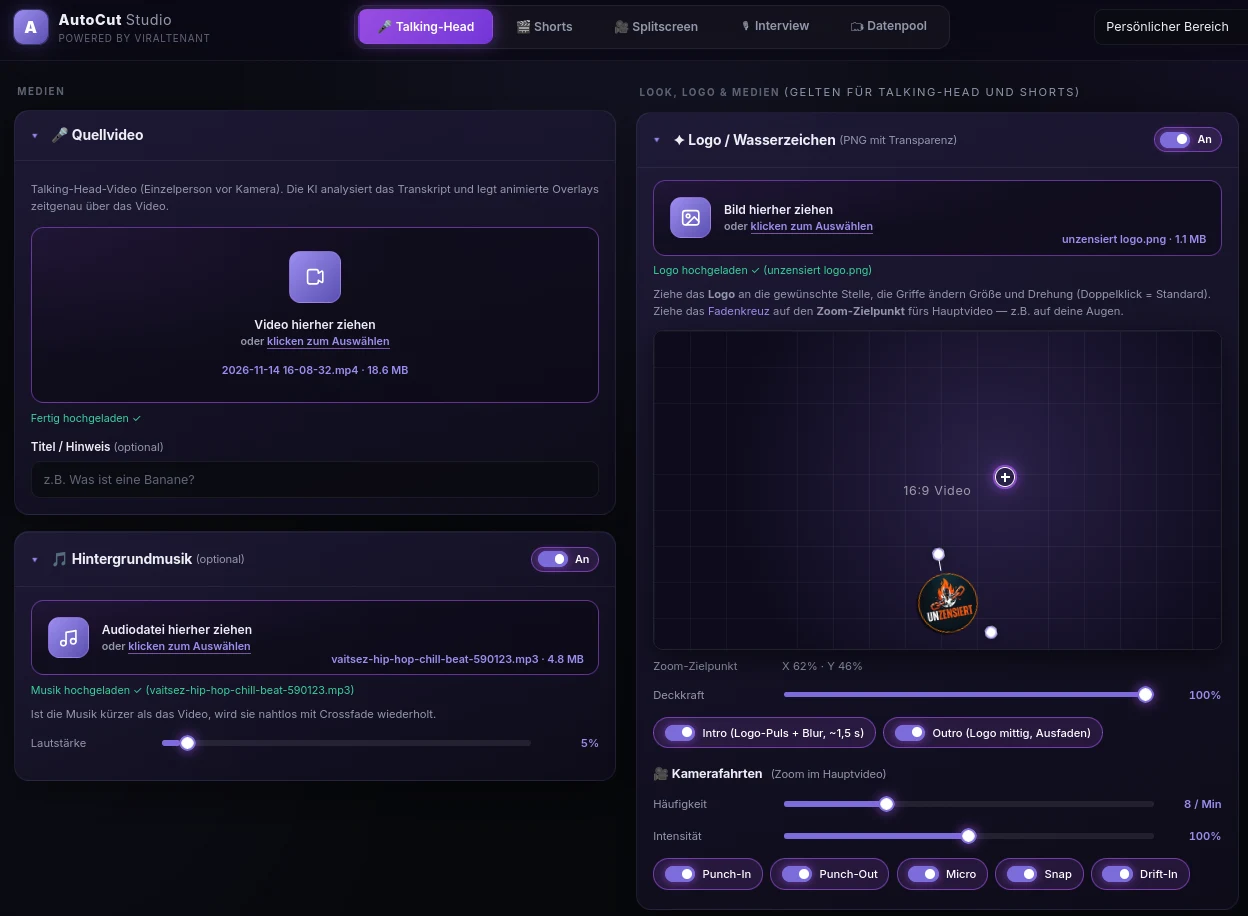
- AutoCut Studio: talking-head videos, podcasts and interviews where you want the shorts and the edited long video, without a subscription.
What only AutoCut Studio combines
- Long-form talking-head edit with AI overlays (numbers, charts, maps, chapter titles)
- Multicam interview cut by speaker
- Media pool with transitions, frames and layouts
- Remote recording with VT Live Studio on the same account
One-to-one pages: OpusClip alternative, Vizard alternative, Klap alternative.
Sign in with Google or email. Free starter credit, no credit card needed. Same account as ViralTenant.
Frequently asked questions
Which is cheaper, OpusClip or AutoCut Studio?
That depends on your volume. Credit plans count minutes of footage every month; AutoCut Studio charges per finished job with no subscription. Irregular creators usually pay less with pay as you go.
Does AutoCut Studio add captions like OpusClip?
Yes. Word-by-word captions, a hook title, punch-in zoom and a progress bar, each with its own switch.