Best AI Clipping Tools 2026: How to Choose the Right One
Every AI clipping tool promises viral shorts from your long videos. The real differences are in how you pay, what gets counted and what the tool does besides cutting clips. This guide compares the best-known tools of 2026 on exactly those points.
What an AI clipping tool should do in 2026
AI clipping means software finds the strongest moments in a long recording and turns them into vertical clips for TikTok, Instagram Reels and YouTube Shorts. In 2026 the basics are the same everywhere: transcript, moment detection, 9:16 crop and captions. The useful questions are these:
- How do you pay? A monthly subscription with a credit quota, or only for what you actually produce?
- What is counted? Minutes of uploaded footage, number of clips, number of videos, or finished jobs?
- What happens to failed jobs? Are they charged?
- Does the tool only clip? Or can it also edit the long video, cut multicam interviews and build splitscreens?
The tools at a glance
| Tool | How you pay | Free option | What is counted |
|---|---|---|---|
| AutoCut Studio | Pay as you go, no subscription | Free starter credit, no credit card | Finished jobs, failed jobs are free |
| OpusClip | Monthly or yearly subscription with credits | 60 credits per month, watermark, exports deleted after 3 days | 1 credit = 1 minute of source video |
| Vizard | Monthly or yearly subscription with credits | 60 credits, 720p with watermark | 1 credit = 1 minute of source video |
| Klap | Monthly or yearly subscription with clip quota | Free trial with 1 video | Generated clips |
| Submagic | Subscription per member | Free trial | Videos, Starter limited to 2-minute videos and 15 per month |
| Descript | Subscription with media hours and AI credits | 60 media minutes, 720p with watermark | Media minutes and AI credits |
| CapCut | Free version, paid Pro subscription | Free version | Subscription |
Facts about other tools as of November 2026, taken from their public pricing pages. Plans change, check the provider before you decide.
Where AutoCut Studio is different
AutoCut Studio is built for creators who talk to the camera, record podcasts or interviews and want finished results without a monthly plan.
- No subscription. You top up credit and pay per finished job. Months without videos cost nothing, credit never expires.
- Failed jobs are free. Credit is reserved at the start and only used when the job is done.
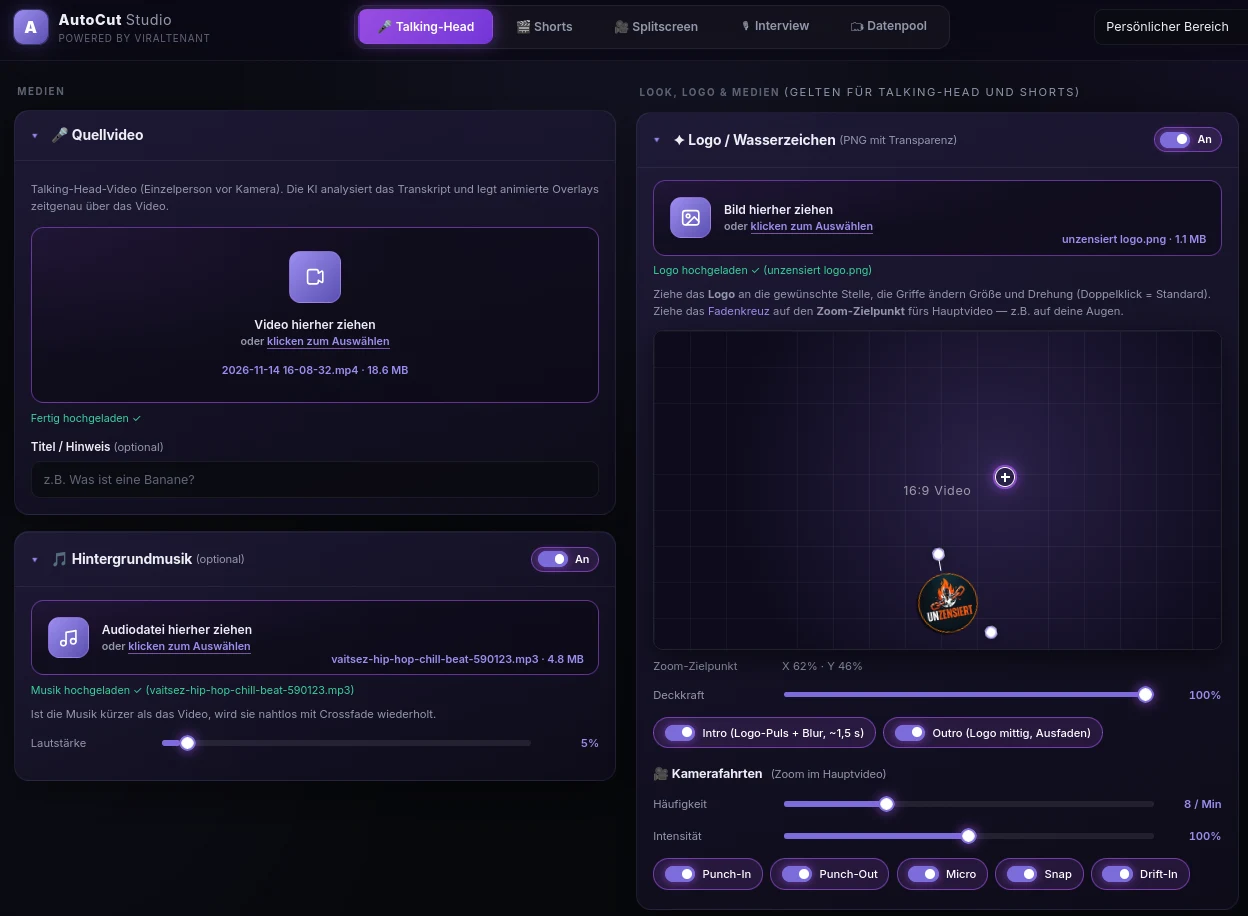
- More than clips. Besides up to 10 shorts per video (15 to 240 seconds each), AutoCut edits the full talking-head video with AI overlays such as numbers, charts, maps and chapter titles.
- Multicam interviews. Two cameras in, one cut out. The picture follows whoever is speaking.
- Your own media pool. Upload images and clips once, the AI places them as cutaways with 7 transitions, 6 frames and 3 layouts.
- Every effect has a switch. Captions, punch-in zoom, progress bar, sound accents and overlays can be turned on or off per job.
Which tool fits which creator
- You publish irregularly or test formats: pay as you go (AutoCut Studio) avoids paying for unused quota.
- You clip many hours every month and want a fixed budget: a yearly credit plan (OpusClip, Vizard) can work out cheaper per minute.
- You only polish captions on clips you cut yourself: a caption-focused tool such as Submagic.
- You want full manual control via transcript: Descript. You love editing on your phone: CapCut.
- You record talking-head videos, podcasts or interviews and want the long video and the shorts: AutoCut Studio.
Detailed one-to-one comparisons: OpusClip, Vizard, Klap, Submagic, Descript and CapCut.
Sign in with Google or email. Free starter credit, no credit card needed. Same account as ViralTenant.
Frequently asked questions
What is the best AI clipping tool in 2026?
It depends on how you work. For a fixed monthly volume, credit plans like OpusClip or Vizard are predictable. For irregular publishing and for talking-head, podcast and interview content where you also need the long edit, AutoCut Studio works without a subscription and charges per finished job.
Which AI clipping tool has no subscription?
AutoCut Studio works pay as you go. You top up credit, pay per finished job, failed jobs are free and credit never expires.
Can I try AutoCut Studio for free?
Yes. New accounts get free starter credit, no credit card needed.