How to Make Reaction and Splitscreen Videos Fast
Reaction videos need two pictures in sync and clean audio. Lining that up in a timeline takes time. Here is a faster way.
What you need
- Your reaction recording
- The video you react to (only material you are allowed to use)
- A decision: landscape (16:9) or portrait (9:16)
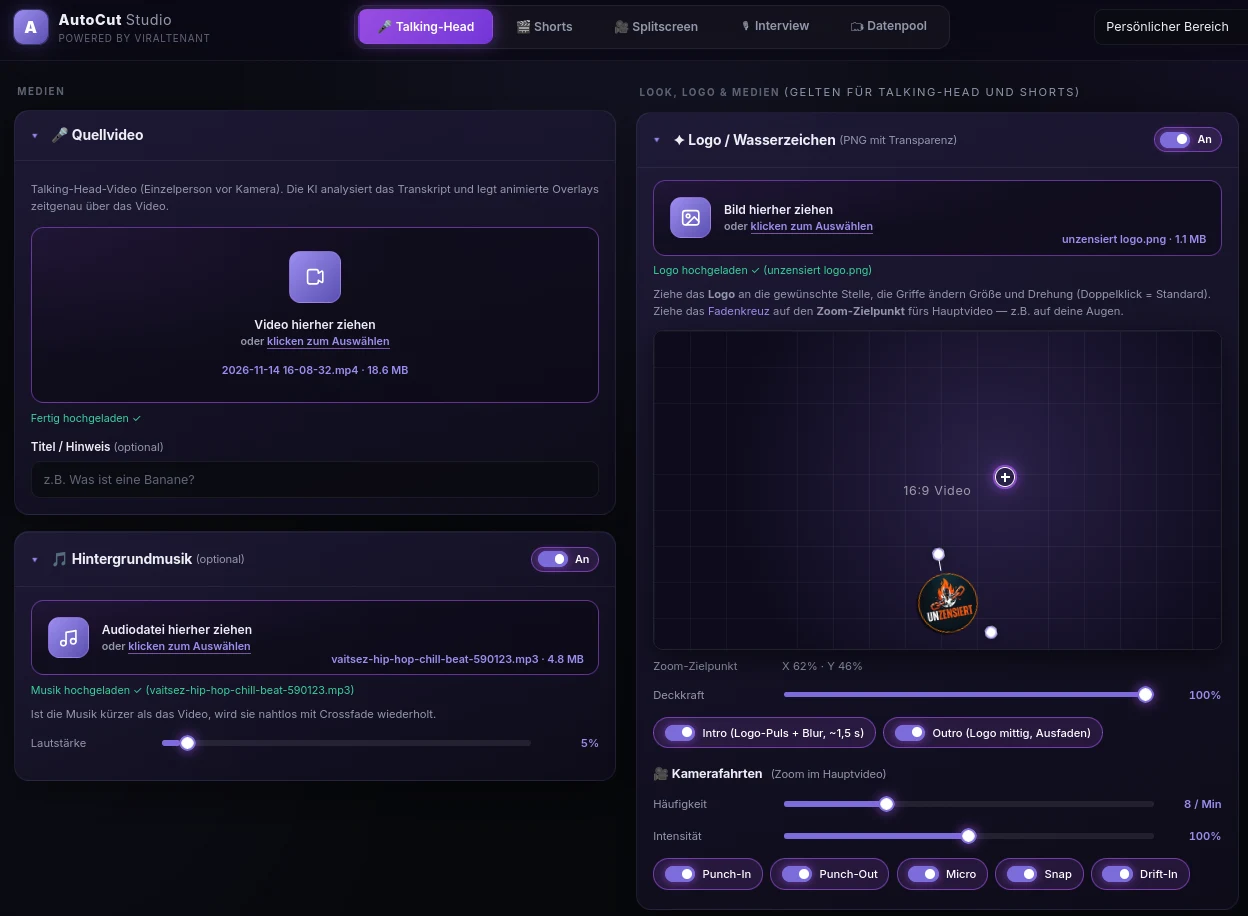
The workflow in AutoCut Studio
- Upload both videos
- Sync them by audio
- Trim start and end per clip
- Arrange them side by side or freely
- Set the volume per video and add extra audio tracks
- Render in 16:9 or 9:16
Tips for better reactions
- Keep the original quiet enough that your voice stays clear
- Use short excerpts and add your own commentary
- Check the rights for the material you show
Build your first splitscreen
Sign in with Google or email. Free starter credit, no credit card needed. Same account as ViralTenant.
Frequently asked questions
Can I make vertical reaction videos?
Yes. Splitscreens render in 16:9 or 9:16.
Can I set the volume of each video?
Yes, plus extra audio tracks.